
Help topics
Record a customer payment
Record what a customer paid you, in full or in part, and the invoice updates on its own.
From the invoice
This is the fastest way.
Open the issued invoice and select Receive payment. The customer, the amount and the invoice are already filled in.
Check the Date.
In How did they pay you?, choose the payment method. If it is not on the list, choose Another way (choose by hand) and pick the bank or cash account in Deposited to.
If they paid less, change the Amount received.
Select Receive payment.
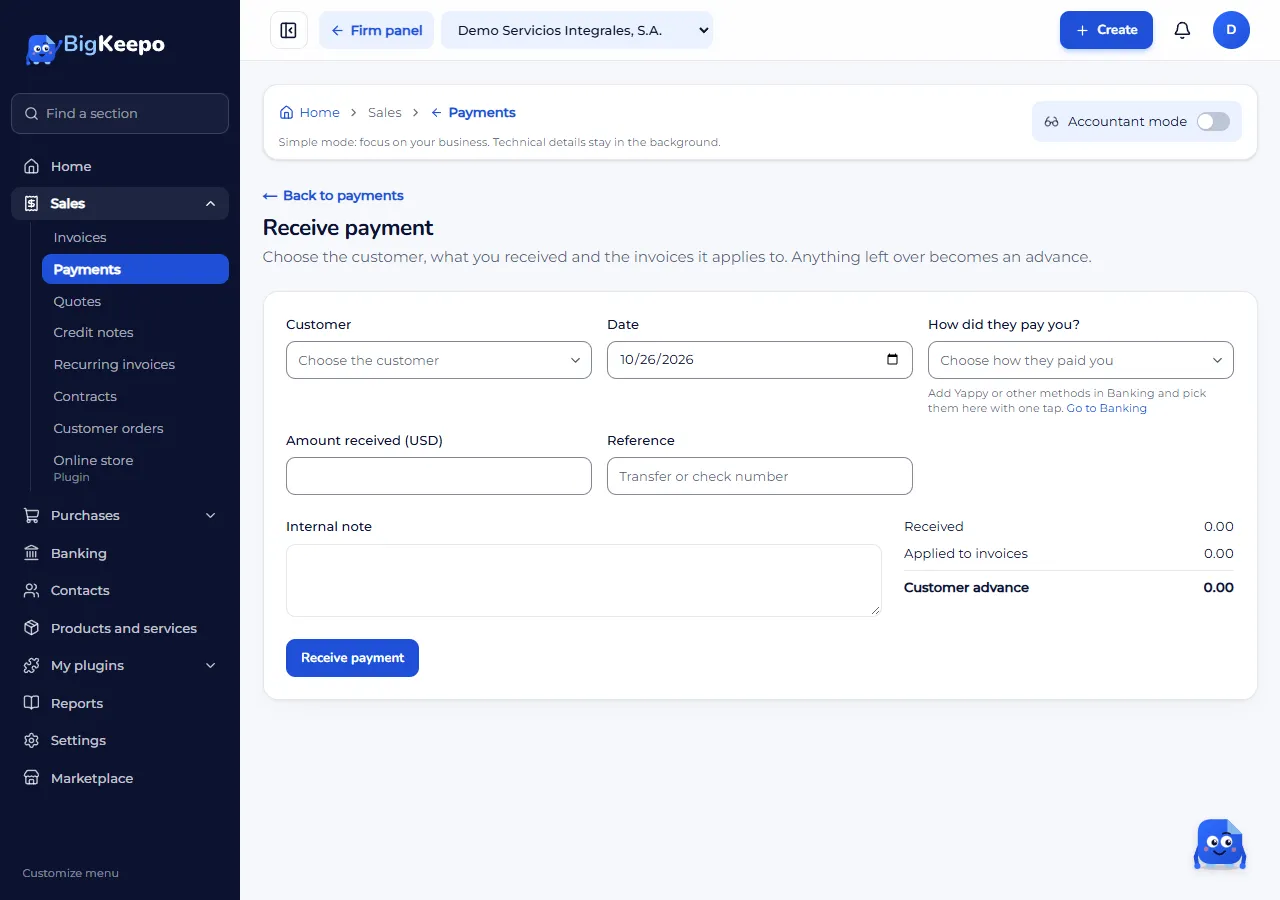
From Payments
When a customer pays several invoices at once:
Open Sales › Payments and select Receive payment.
Choose the Customer. Their Open invoices appear.
Enter the Amount received and split it across the invoices. Settle applies an invoice's full balance.
Select Receive payment.
What happens to the invoice
If the payment covers the whole balance, the invoice becomes Paid.
If it covers part of it, it becomes Partially paid and shows what is left.
Made a mistake? Open the payment and select Void payment. The invoices get their balance back.
Was this helpful?