
Help topics
Your chart of accounts
How to view, add, change and deactivate the accounts where BigKeepo organizes everything that comes in and goes out.
What it is for
The Chart of accounts is the list of accounts where BigKeepo organizes what comes in and what goes out. Your invoices, payments and expenses use these accounts for you.
Before you start
Accounting screens show when Accountant mode is on (top right). Your permissions do not change.
The first time, BigKeepo offers to let you choose your chart of accounts from Getting started (Choose your chart of accounts): the one for your type of business and entity, or start from scratch. See Set up your company.
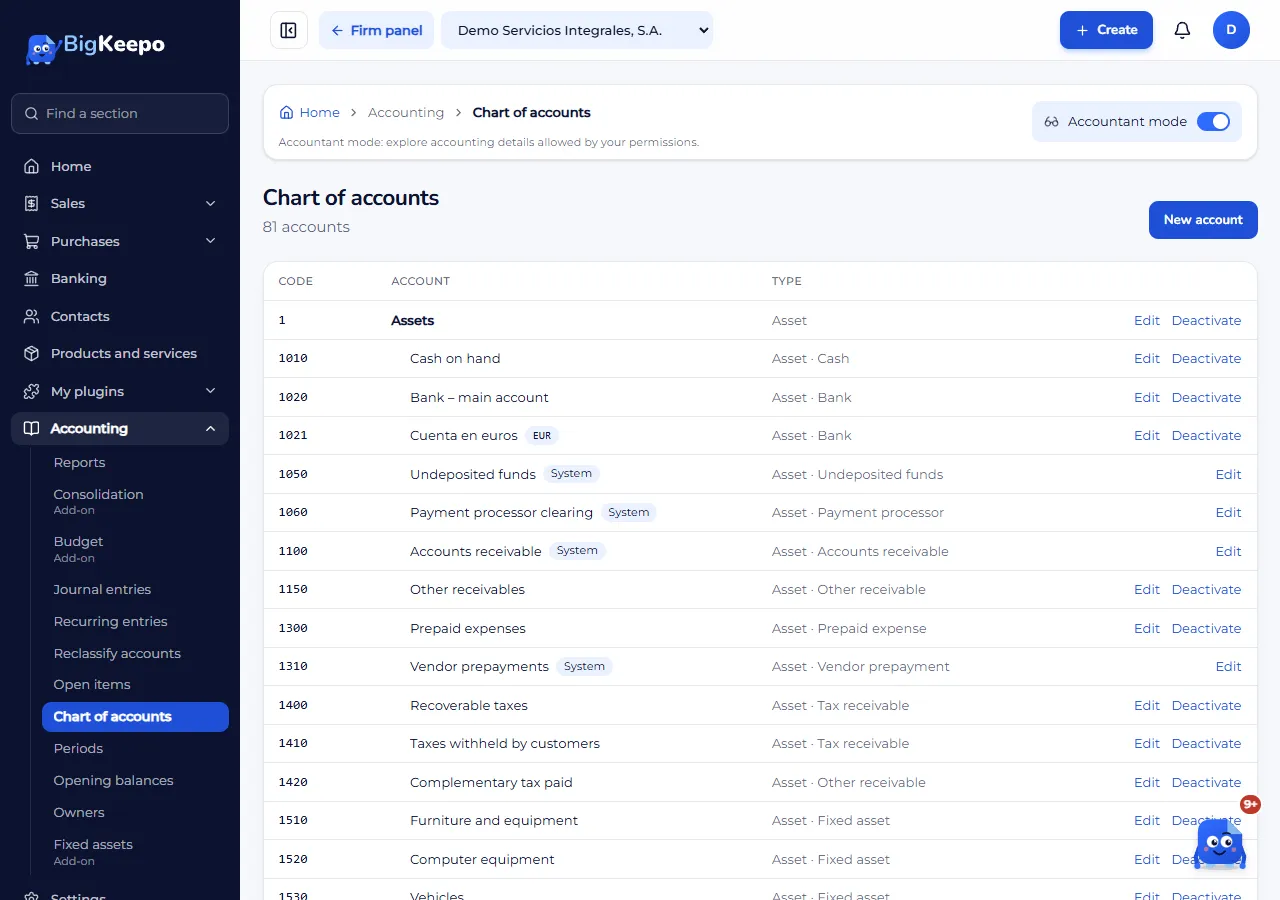
See your chart
Turn on Accountant mode.
In the menu, open Accounting › Chart of accounts.
Add an account
In Chart of accounts, select New account.
Enter the Code (letters, numbers, a period or a hyphen) and the Name.
Choose the Type and, if needed, the Subtype.
In Grouped under, choose a heading of the same type, or None.
If the account is kept in another currency, such as a bank account in euros, choose the Account currency.
Save.
Change or deactivate
Select Edit on the account. The program uses some accounts, and their type, subtype and place cannot be changed. If you no longer need an account, select Deactivate: it stops being offered, but what was already recorded in it is kept. Activate brings it back.
Expected result
The account appears in the chart and can be chosen in journal entries, products and expenses.
If something goes wrong
You cannot find an account when creating a product or an expense: it may be deactivated, or it still needs to be added here.
It says a system account is missing: check that your chart of accounts is chosen. See Set up your company.
You do not see the Accounting menu: turn on Accountant mode.
Related articles
Was this helpful?