
Help topics
Import and review your transactions
Upload your bank statement, review each transaction and reconcile the account.
Import the statement
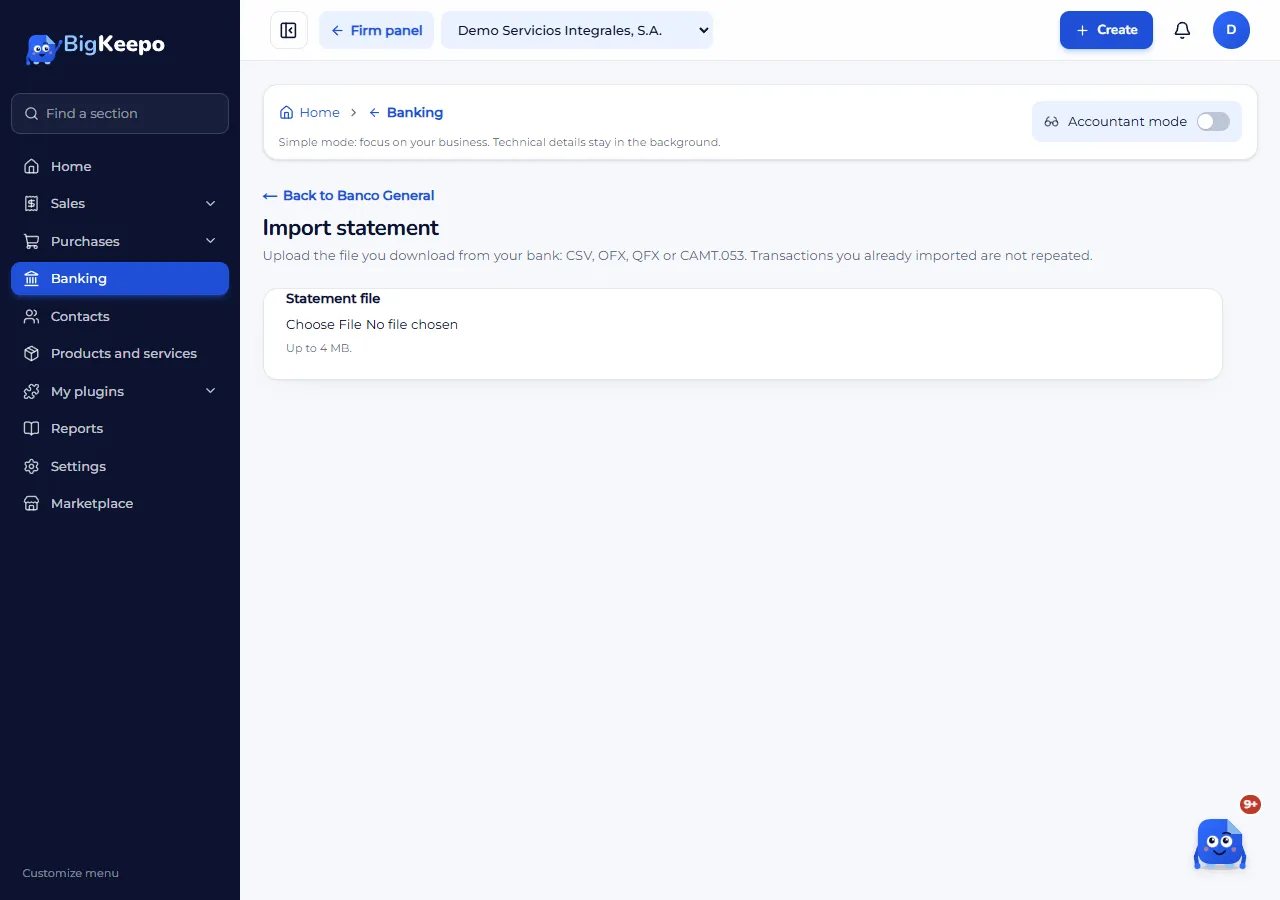
Open Banking, go into the account and select Import statement.
In Statement file, choose the file you downloaded from your bank. CSV, OFX, QFX and CAMT.053 (XML) files work, up to 4 MB and 5,000 rows.
For a CSV file, tell BigKeepo in File columns which column is the date, the description and the amount.
Select Import.
Review each transaction
New transactions land in To review. For each one:
Match: if it is already in your books (for example, a payment you recorded). BigKeepo suggests the ones with the same amount and a close date.
Categorize: if it is new. Choose the account, the tax and the contact. You can split it into parts.
Exclude: if it does not belong in your books. No record is created.
With New rule, BigKeepo learns to suggest the category for repeating transactions. Rules only suggest: you confirm.
Reconcile the account
Reconciling means checking that your books and the statement say the same thing.
In the account, select Reconcile.
Enter the Statement end date and the Statement ending balance. Select Start.
Check the transactions that appear on the statement.
When the Difference is 0, select Finish.
If you need a break, you can save and continue later.
Was this helpful?