
Help topics
Your trial and your plan
What the 30-day trial includes, what happens when it ends and how to request an add-on or a plugin.
What it is for
This explains how your company's trial works and how to add more features.
Your 30-day trial
Every new company starts with a 30-day trial, activated by the pass you got when you created your company. It includes the plan's features and the add-ons and plugins for your industry. At the top of every screen you will see how many days you have left.
When the trial ends
If there is no active plan, your company becomes read-only: you can see everything and invite your accountant, but you cannot record anything new. No data is deleted.
To continue, open Settings › My plan and billing and click Choose my plan. See Your plan and your billing.
Request an add-on or a plugin
Open Marketplace and choose what you need.
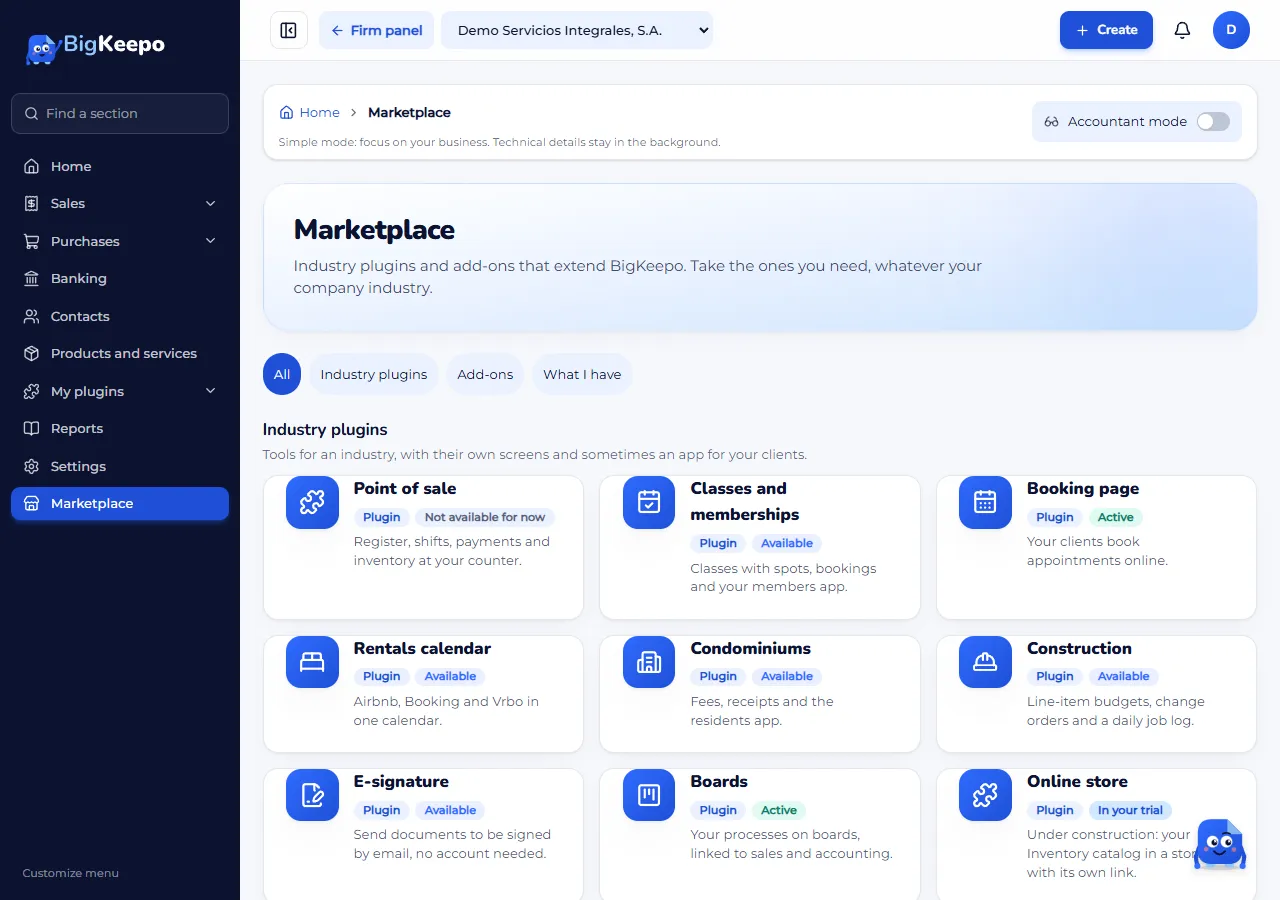
Click Request. If you like, write a note.
We write to you about payment and turn it on.
During the trial, the button for what your industry already includes says Keep it. Plugins are always marked as plugins, whether on trial or paid.
If you change industry
The industry is fixed when the company is created. To change it, open Settings › Company and click Request industry change. We write to you and make the change. What is already in your books stays.
If something goes wrong
I do not see a button to request a plugin: only the owner and the administrator see it.
My company became read-only: your plan is not active. Choose your plan in My plan and billing.
Related articles
Was this helpful?