
Help topics
Create your account and your company
Sign up, confirm your email, choose how to start and create your company. Your account and MiniKeepo are free; your company starts with a 30-day trial.
What it is for
This walkthrough opens your account and creates the company whose books you will keep in BigKeepo. Your account and MiniKeepo are free. To create a company you need a pass: the 30-day trial.
Before you start
An email address you check, to confirm your account.
A card to pay for the trial. If you prefer another payment method, there is an option in Choose how to start (below).
Create your account
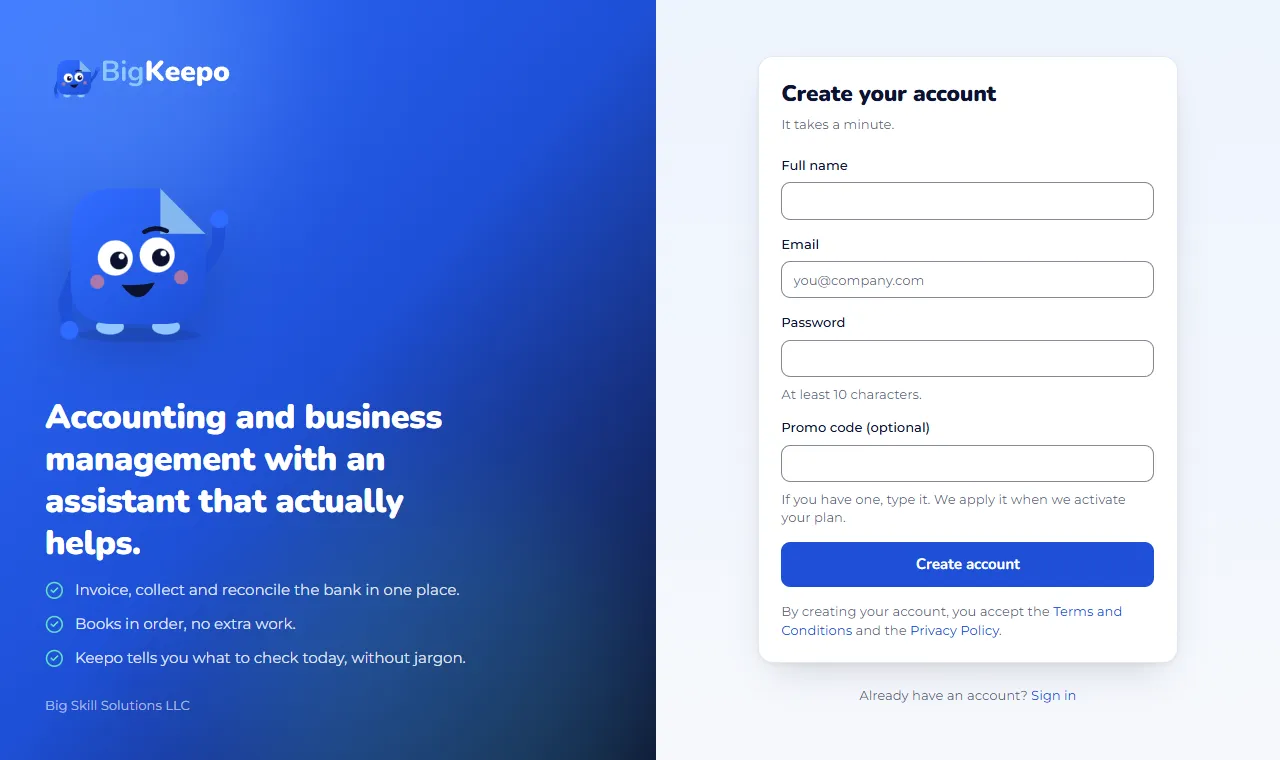
Open the Create your account page.
Enter your Full name, your Email and a Password of at least 10 characters.
If you have a promo code, enter it in Promo code (optional).
Click Create account.
Open the email we sent you and click the link. This activates your account.
Choose how to start
The first time you sign in, BigKeepo shows Choose how to start. There are three paths:
A company: invoicing, accounting and the apps you build in the quote builder. Click Build my plan.
Bookings only: your booking page, appointments and reminders. Click Pay the trial and start.
Accounting firm: to serve several client companies from one place. Click Pay the trial and start.
After you choose, payment is made on our payment provider's secure screen. The trial has a one-time charge, shown on screen, and it is non-refundable. If you do not create your company, the pass expires and the plan is not charged.
If you do not pay by card, open I prefer another payment method, fill in your details and click Send request. The BigKeepo team writes to you, confirms the payment and enables your access. Your email must be verified.
Create your company
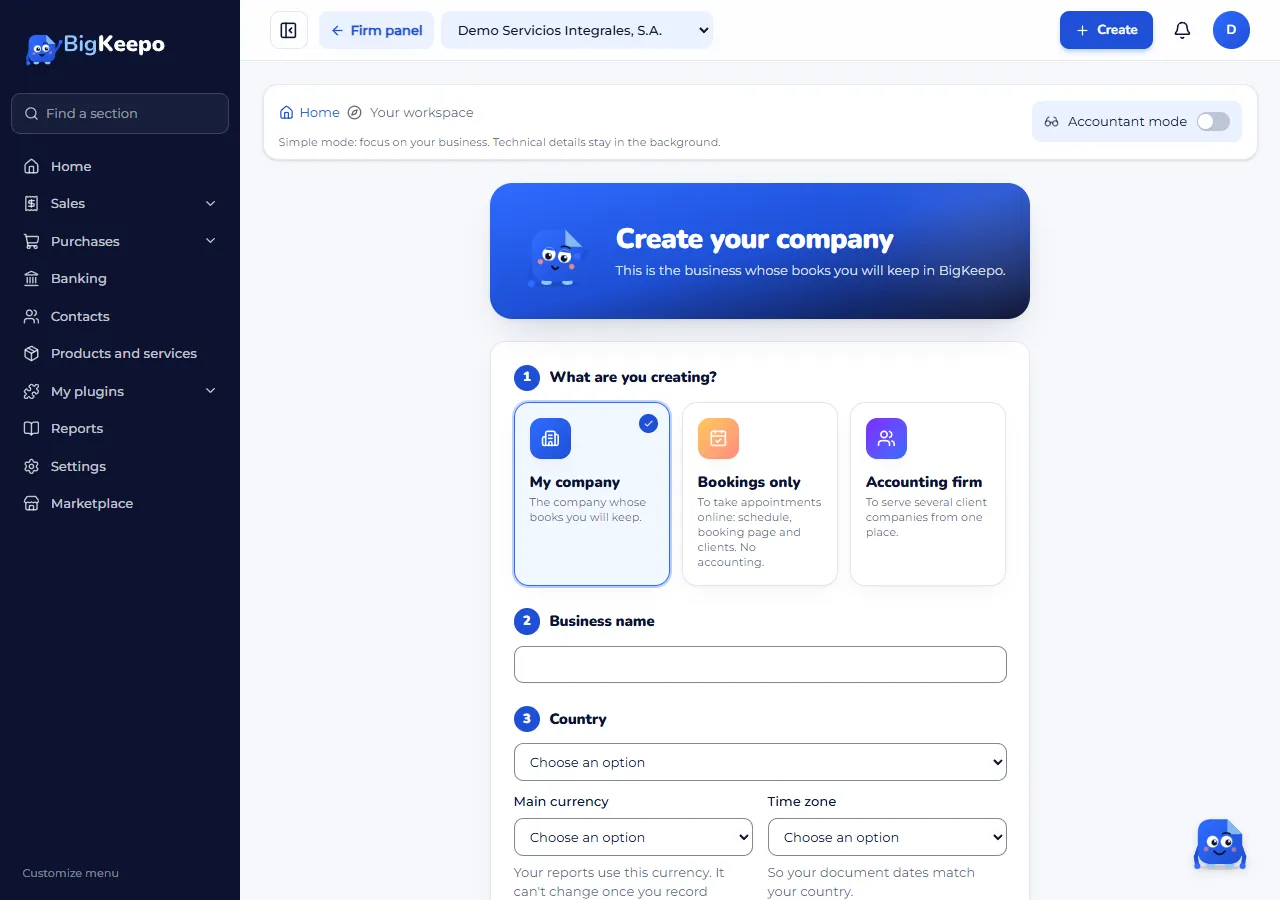
With your pass ready, open Create your company.
Under What are you creating?, choose My company.
Enter the Company name and choose your Country. The country fills in the Main currency and the Time zone; you can change them if you need to.
Choose the Type of business. If you do not know yet, choose I'll choose later.
Choose your Industry. BigKeepo uses it to prepare what your trial includes.
Click Create company.
Expected result
BigKeepo prepares the chart of accounts and the taxes for your country, and takes you to Getting started. Your company is created and the 30-day trial has begun.
If something goes wrong
The confirmation email does not arrive: check your spam folder. If it still does not arrive, see I can't sign in.
The payment does not go through: nothing was charged and you can try again from Choose how to start.
It says you already have a pass of that type: create your company with that pass instead of paying for another.
Related articles
Was this helpful?