
Help topics
Set up your booking page
Define your services and your professionals, review the rules and get the page where your customers book ready.
What it is for
Your customers choose a service, a professional and a time on a page of your own, with confirmation and reminders. You see each professional's schedule.
Steps
Open My plugins › Booking page. At the top there are tabs: Schedule, Clients, Messages, Results, Services, Professionals and Page.
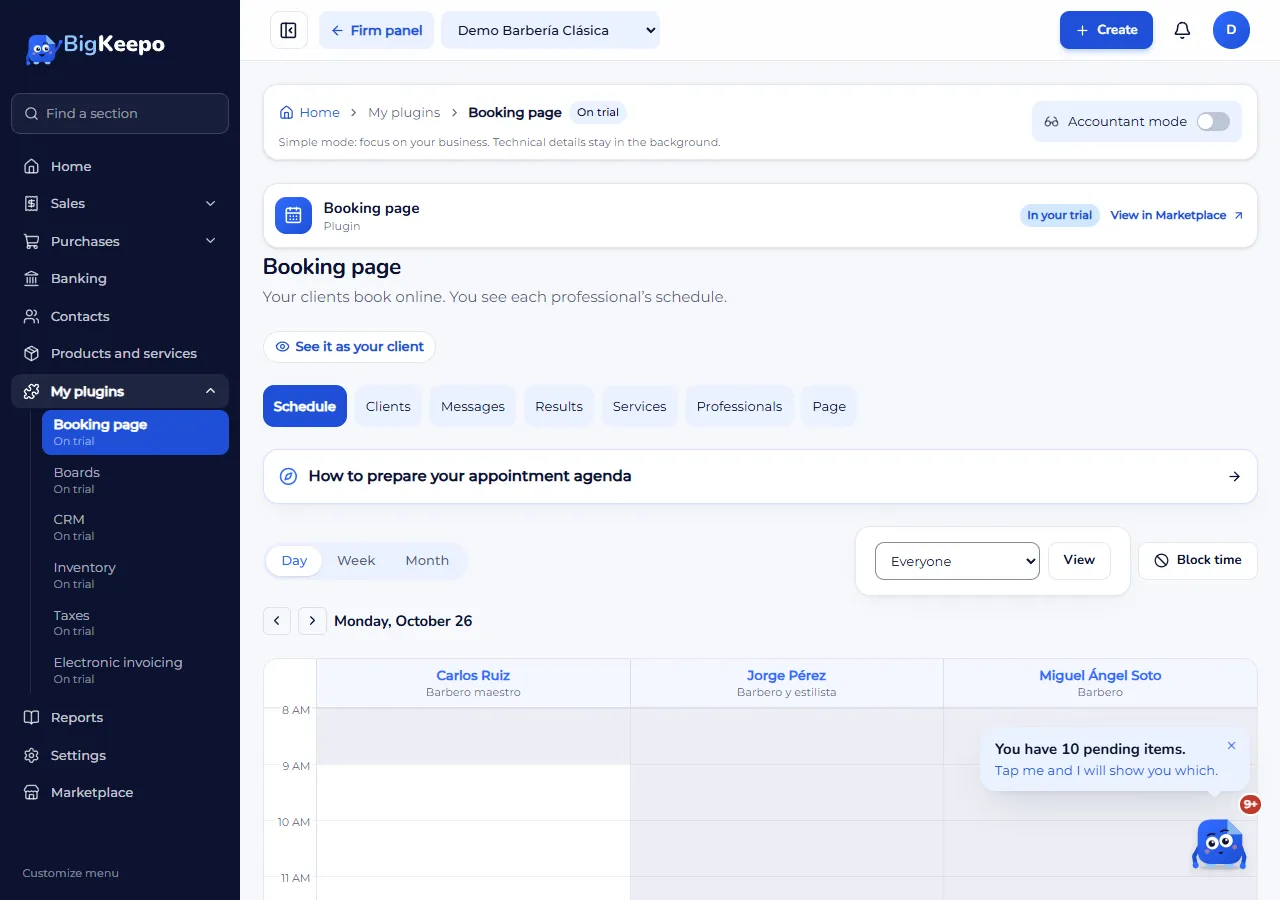
In Services, select Add service and enter the Name, the Duration (minutes), the Price and, under Where it takes place, the place: at the business, at home or online. If it is online, add the Meeting link.
In Professionals, set who provides each service and on which days and hours. Without assigned services or without a schedule, the customer cannot book.
In Page, review the address of your page, publishing, cancellations and reminders.
Try it as a customer with See it as your client, the button at the top. It is a preview: it does not check availability or publish anything.
Expected result
Your customers book online and the appointments appear in Schedule.
If something goes wrong
It says «The business address is missing»: add it in Settings to offer the service at the business.
It says «We could not load the configuration»: reload the page before making changes; it does not mean your data is empty.
Related articles
Was this helpful?