
Help topics
Turn on two-step verification
Protect your account with a code from your phone in addition to your password.
What you need
An authenticator app on your phone, such as Microsoft Authenticator or Google Authenticator. They are free.
Turn it on
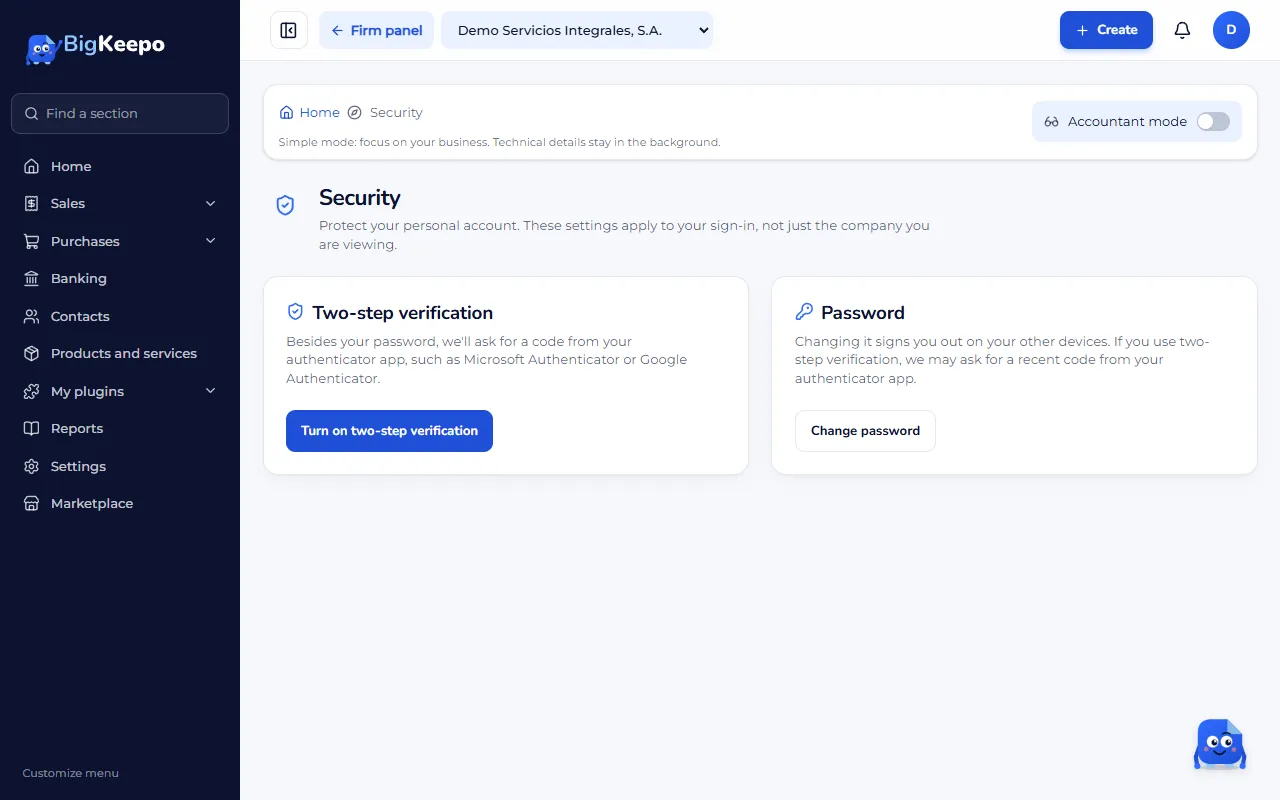
Open your account menu (your photo or initial, top right) and choose Security.
In Two-step verification, select Turn on two-step verification.
Scan the code with your authenticator app. If you cannot scan it, type the key shown below it.
Enter the 6-digit code shown in the app and select Turn on.
From now on, when you sign in BigKeepo asks for the code from your app. Enter it and select Verify.
When it is required
It is required for the owner, the admin and the accountant. It is also needed to invite someone, add a bank account or use payroll.
If you change phones
Before you switch, move your accounts to the authenticator app on the new phone. If you no longer have the phone, see I can't sign in.
Was this helpful?